What's new in Ovida (18 August 2026)
Last updated: August 18, 2026
Practicing with someone from a meeting is now yours to shape, roleplays behave properly on a phone, and uploading a transcript carries you straight through to processing.
New and improved
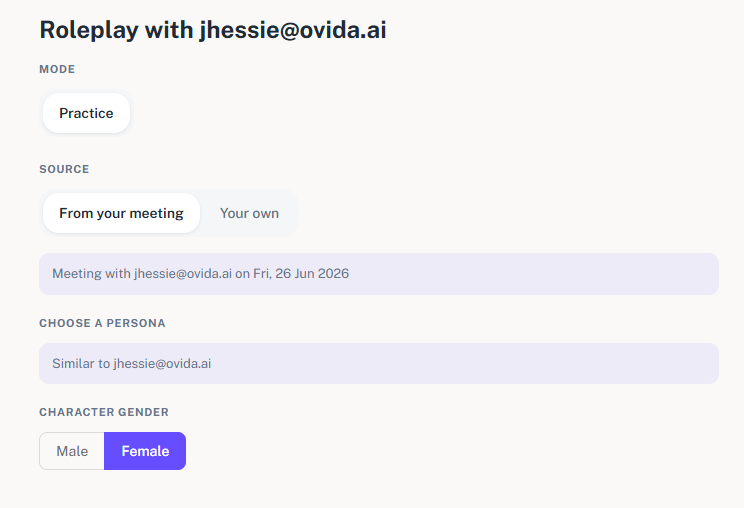
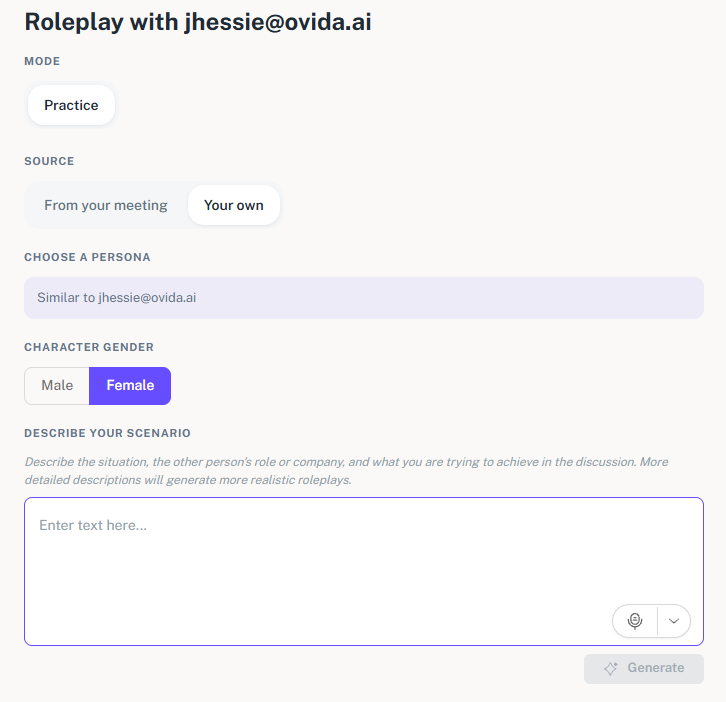
You can now describe the conversation you want to practise. When you set up a roleplay with someone from one of your meetings, a Source choice lets you either build the practice from that meeting or write your own situation. Choosing Your own opens a Describe your scenario box, so you can set out the situation, the other person's role, and what you are trying to achieve. The more detail you give, the more the roleplay will feel like the conversation you have in mind. You also pick a Character gender for your practice partner, and the partner now carries the real name of the person from your meeting, so the session feels like the one you actually had.
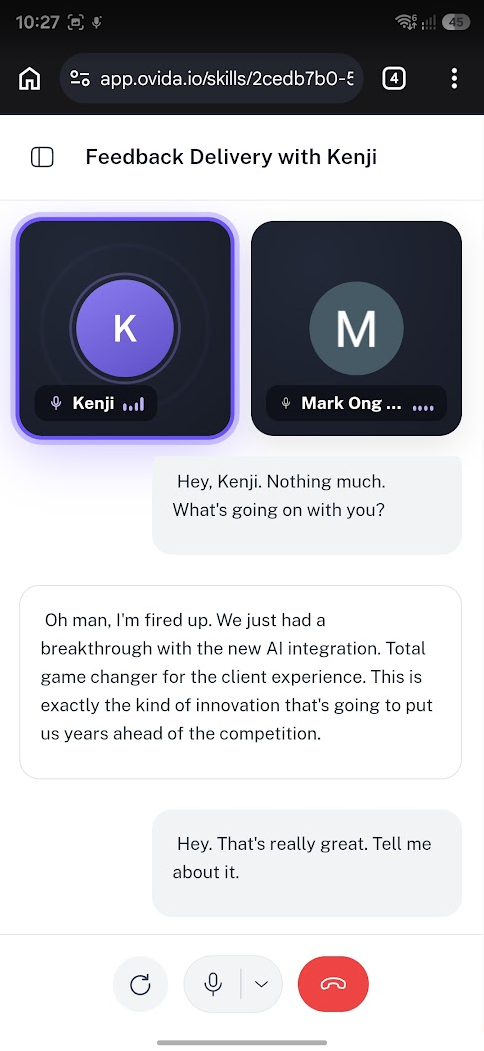
Roleplays work properly on your phone. Starting a roleplay on a phone now takes you straight into the session, whether you begin from a skill summary, from a meeting, from a point in a transcript, or from a meeting with a guest. The Roleplay from here option in a transcript is visible without needing to hover, and the skill panel header stays in place while you scroll through the chat or transcript.
Uploading a transcript carries on by itself. After a transcript finishes uploading you no longer need to sit on the confirmation step. Ovida tells you it will move on shortly and counts down before opening the processing screen, and Next is still there if you would rather move on immediately.
If a file cannot be used, you can go straight back and try again. Meeting recordings and transcripts need exactly two speakers. When a file does not meet that, the message now comes with a Try again button that returns you to the upload step, so you can pick a different file without leaving the page.
The other participant's email is clearly for your records. On Finalize meeting details, the note under Other Participant now states that the email is stored for your records only and that the other person is not notified. Nothing about the email has changed, we are simply saying so on the screen where you enter it.
"Skill Unavailable" now explains a team change. If a skill is no longer available to you because you are no longer part of the team it belongs to, the message says that, rather than pointing at your subscription. It also tells you to speak to your team administrator if that looks wrong.
A short notice explains where your profile menu went. Your profile picture and the menu behind it moved to the bottom of the left sidebar, next to Settings, in the last release. Existing users now see a one-time notice at the top of the Home page pointing to its new home. Dismiss it with Got it, dismiss or the X and it will not come back.
Fixes and improvements
This release also includes a set of smaller fixes and polish across roleplays, skills, meetings, dashboards and uploads.
Getting help
If you have a question about anything in this release, email support@ovida.io.