What do the offline and back-online banners mean?
Last updated: June 5, 2026
Ovida shows a banner at the bottom of the screen when your internet connection drops or returns.
Ovida now watches your connection continuously and tells you when it changes.
What you'll see
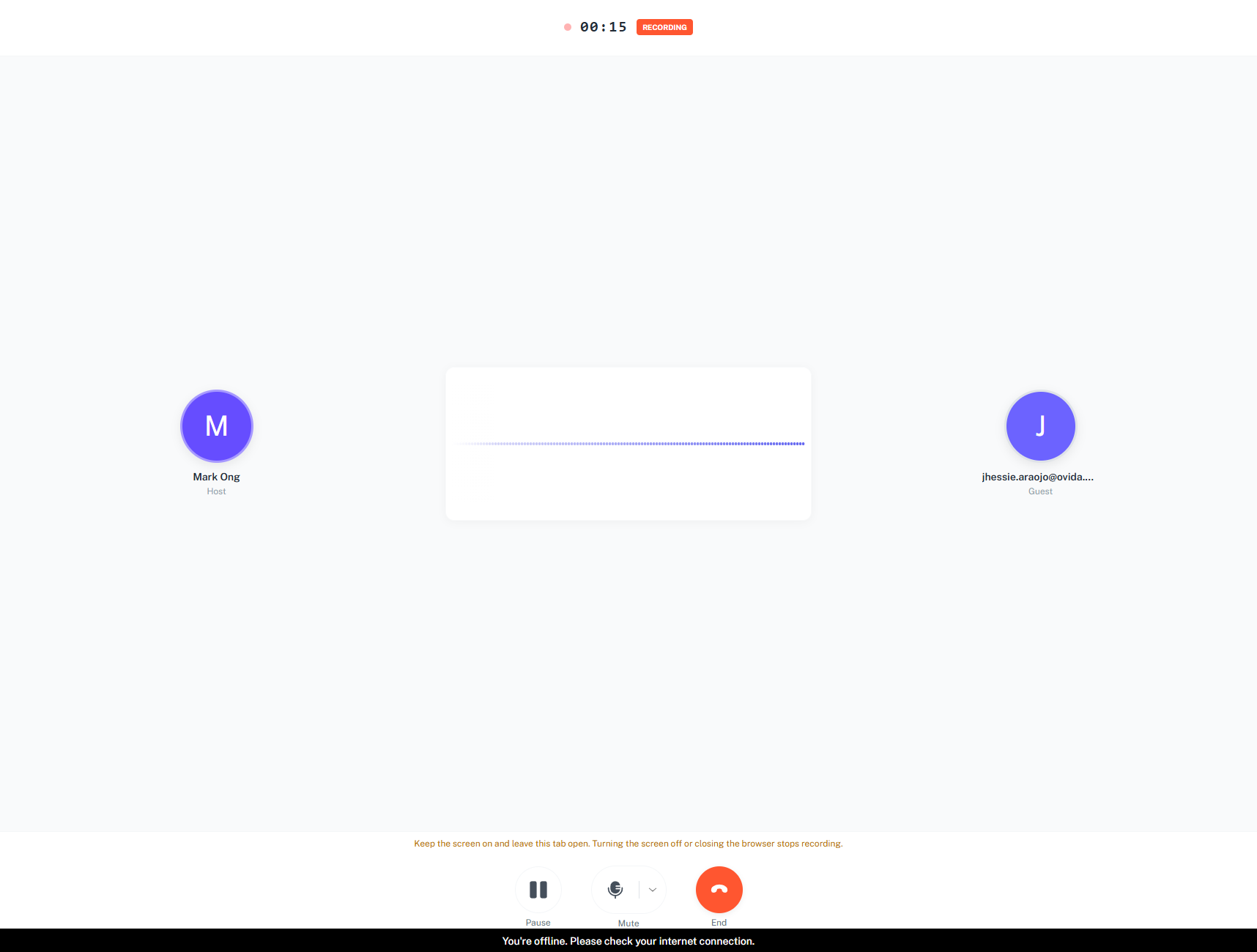
A black banner appears when you go offline: "You're offline. Please check your internet connection." When your connection returns, a green "You're back online." banner appears briefly and then fades away.
How it behaves by screen
On read-only screens such as Dashboards, Teams, Contacts, Metrics and Settings, the offline banner clears itself after a few seconds.
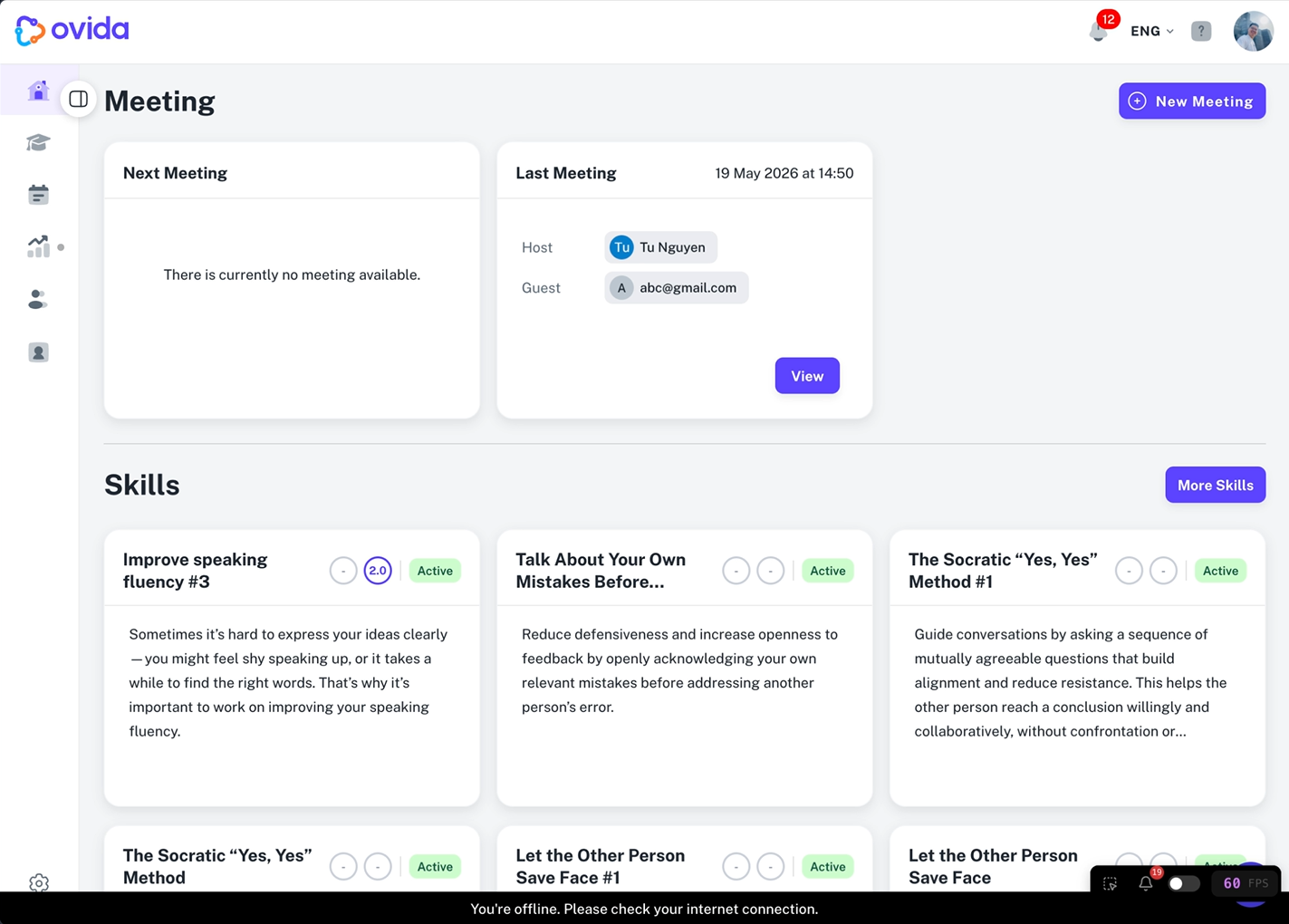
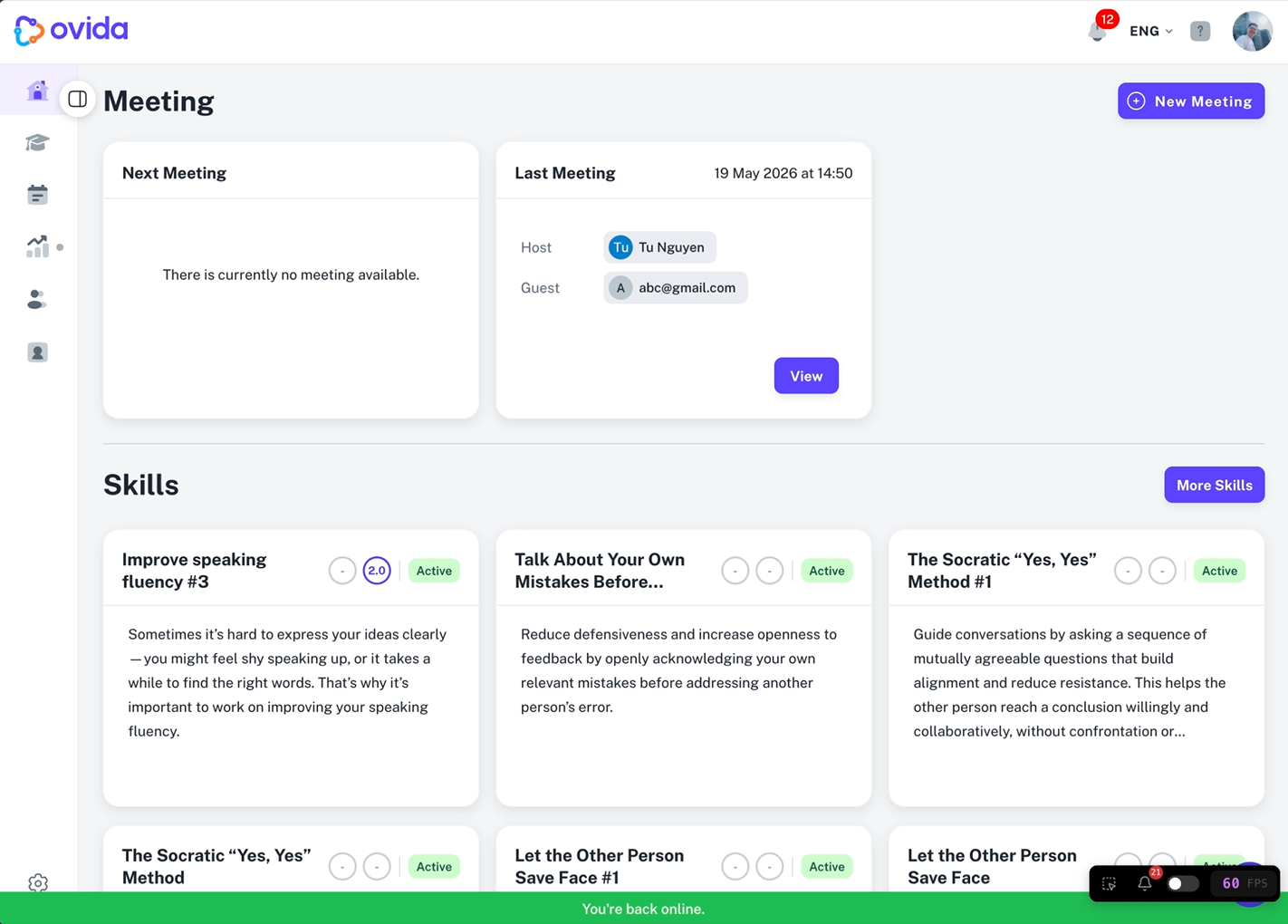
On screens where you are actively capturing data, such as live recording, active meetings, speech-to-text processing and roleplays, the banner stays on screen until your connection is confirmed back.
Very brief connection blips are ignored so the banner does not flicker.
⚠ On active screens the offline banner cannot be dismissed by hand. It clears only when a stable connection returns.