Why does Ovida ask me for my name when I log in?
Last updated: November 20, 2026
If you have not set a name, Ovida asks for it when you log in, so other people see your name instead of your email address.
Why Ovida asks
Until you set a name, Ovida shows your email address wherever people see you, including meeting participant lists, mentions and contacts. A short window at login lets you fix that without searching for the setting.
What you will see
When you log in without a name set, a window asks for your First name and Last name. Both are required, and Save stays disabled until you fill them in. If the description Ovida uses to tailor your coaching is also missing, the same window asks for that too. The description is optional.
If you close the window without saving, Ovida asks again the next time you log in. Once you have saved a name, the name fields do not appear again. Reopening Ovida in a new tab while you are still logged in does not count as a login.
Change your name later
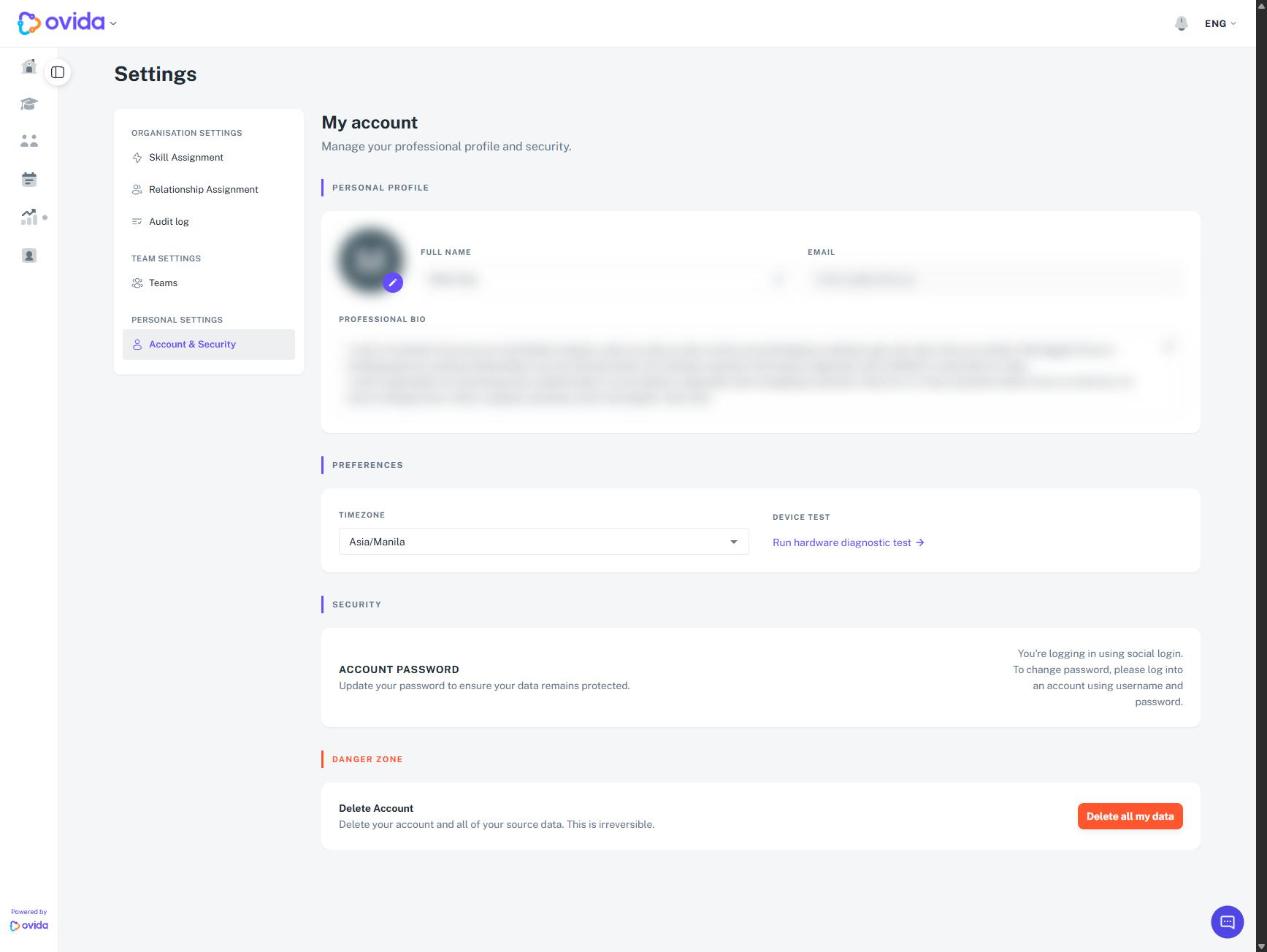
Click the Ovida logo at the top-left, select Settings, then select Account & Security under Personal Settings, and edit Full name.