How do I find help articles in Ovida?
Last updated: September 1, 2026
You can search Ovida's help content directly from the chat widget inside the app.
To find answers without leaving Ovida, open the chat widget in the app (bottom right corner) and search for what you need.
(Here's a video guide for this article.)
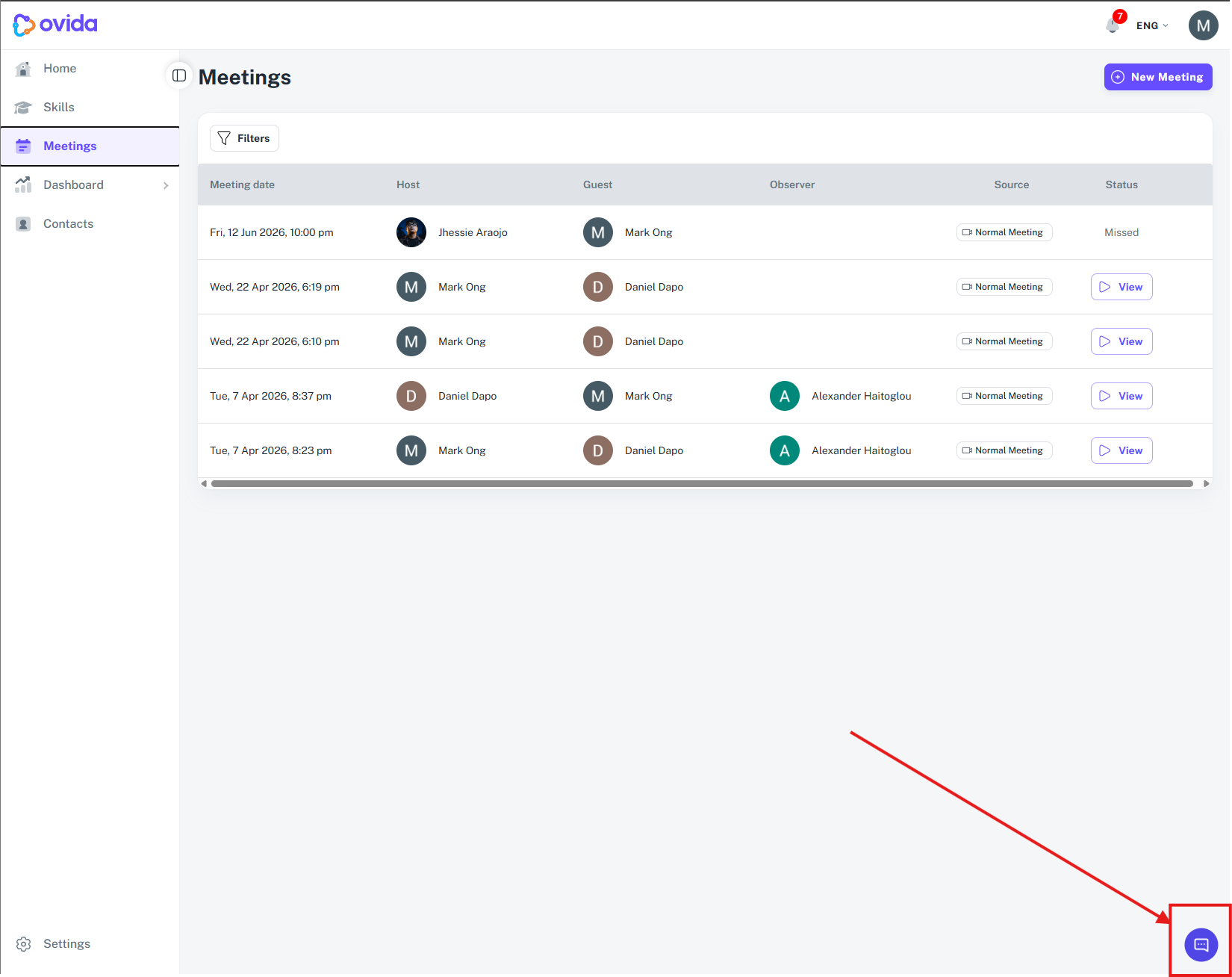
It draws on the same help content as the Help Centre, so you can get answers in context while you work.
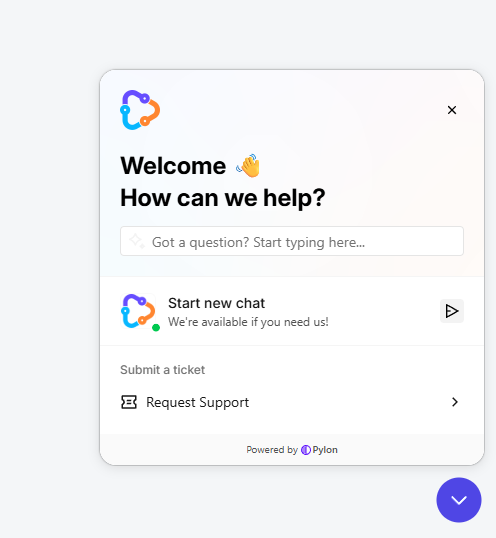
The separate Help Centre link has been removed from the app to keep everything in one place. You can still visit the Help Centre directly at support.ovida.io at any time.