How do I change my time zone?
Last updated: September 1, 2026
Adjust your time zone setting so that meeting times are always displayed accurately for your location.
All meetings are displayed in the time zone of the logged-in user. If you and another attendee are invited to the same meeting from different time zones, each of you will see the meeting time converted to your own local time zone.
Here's a video guide for this article:
Steps
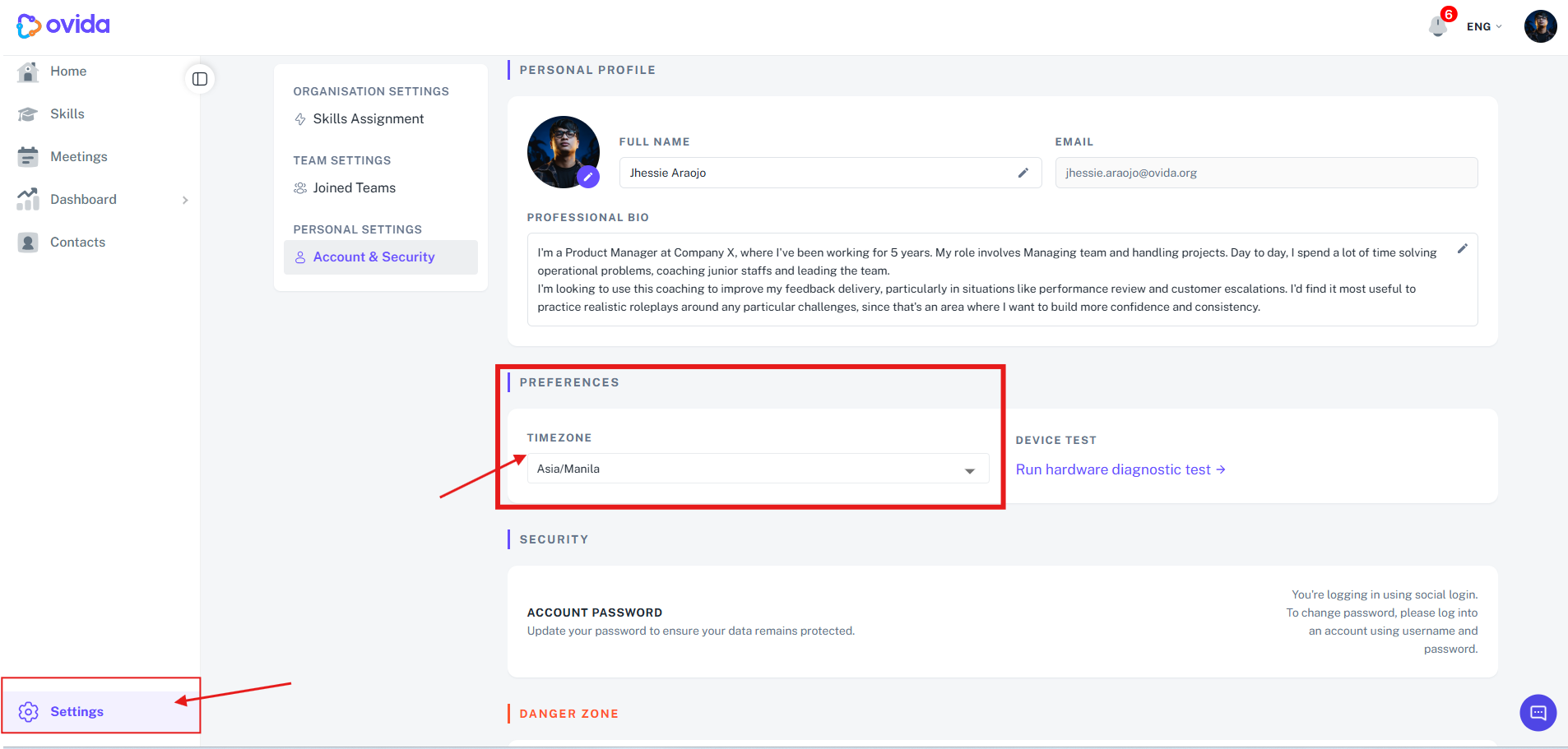
Click Settings at the bottom left corner of your screen
Under Personal Settings, select Account & Security.
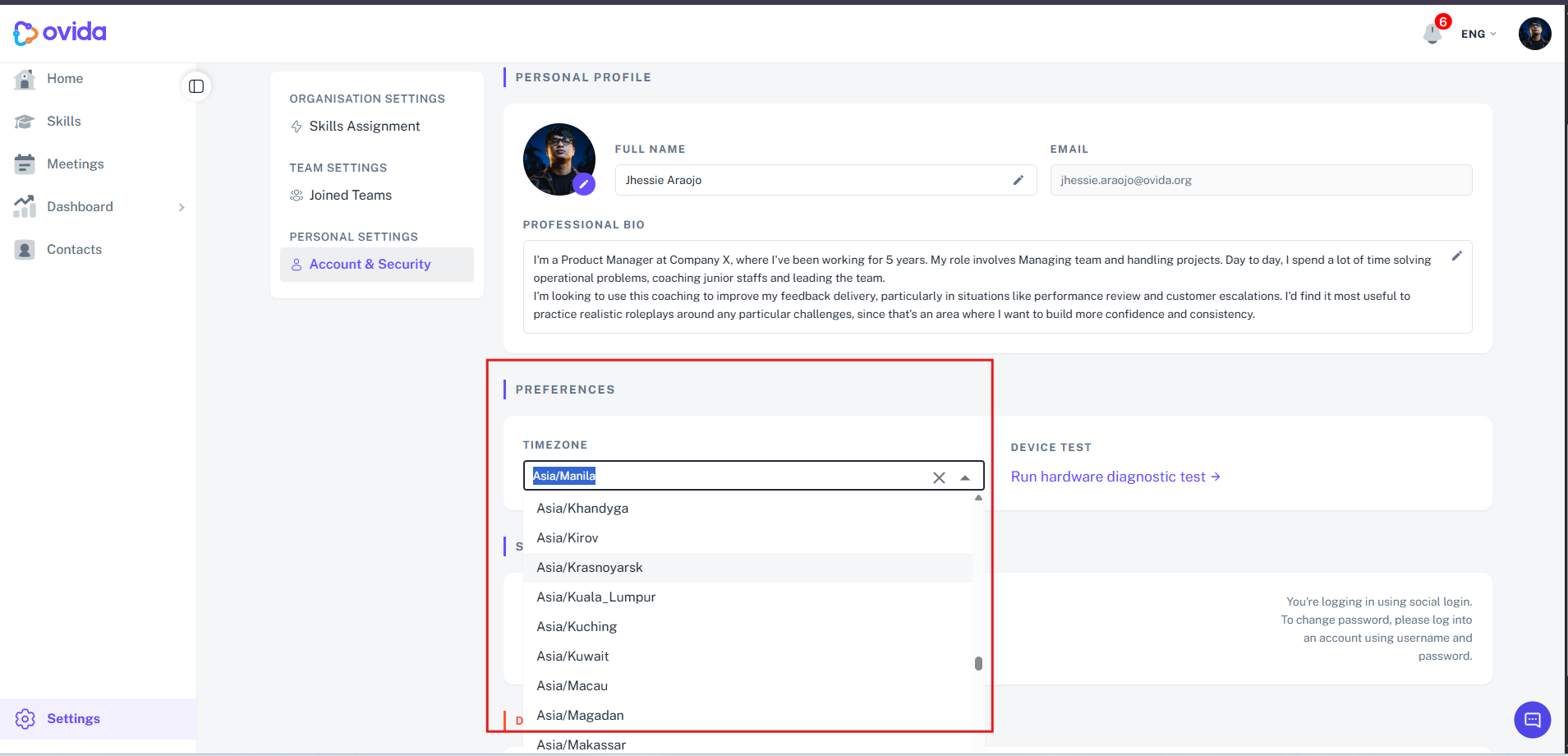
Under Preferences, select Timezone and choose the time zone that matches your location.