How do I find my scores after a roleplay or meeting?
Last updated: September 1, 2026
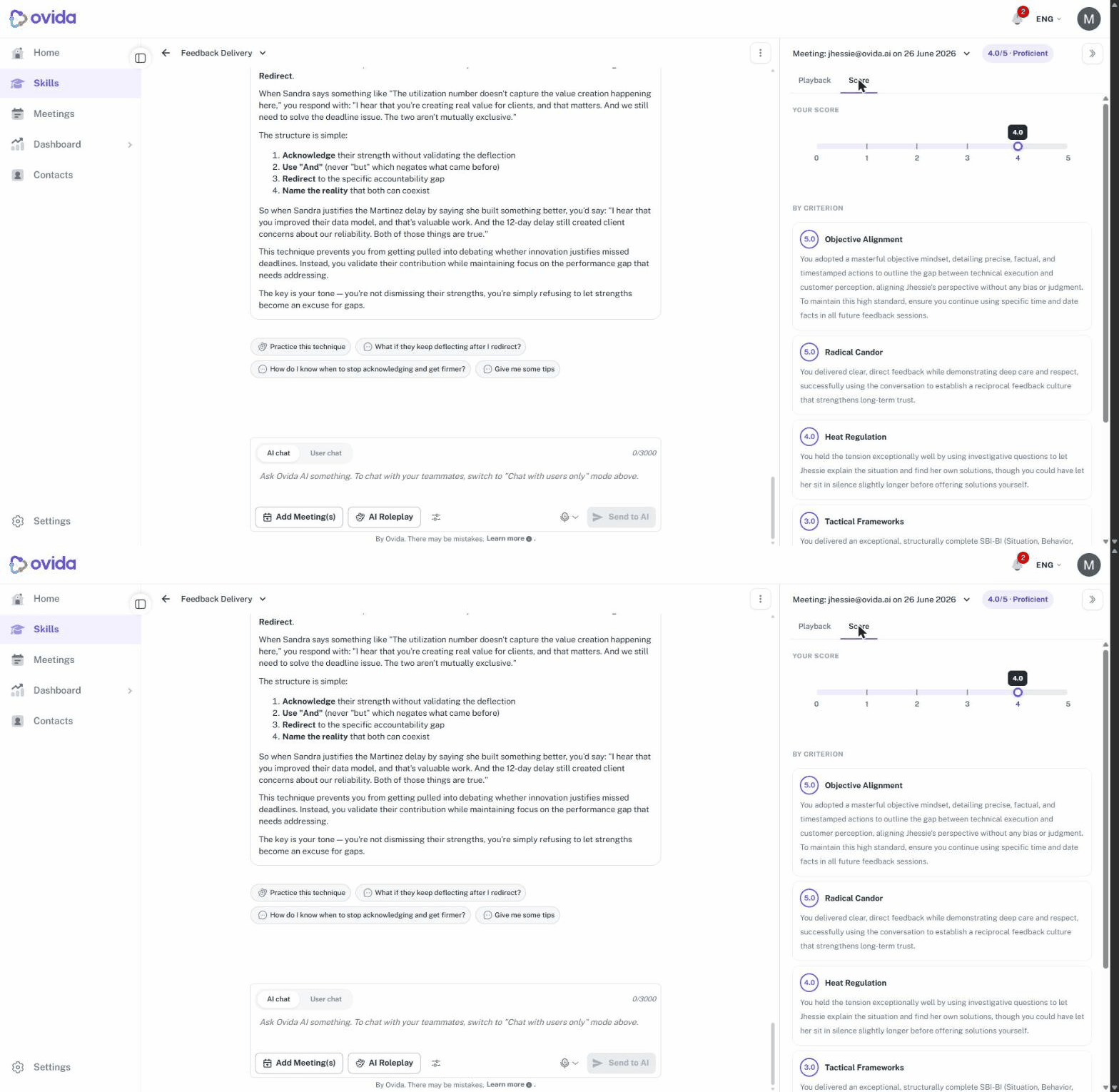
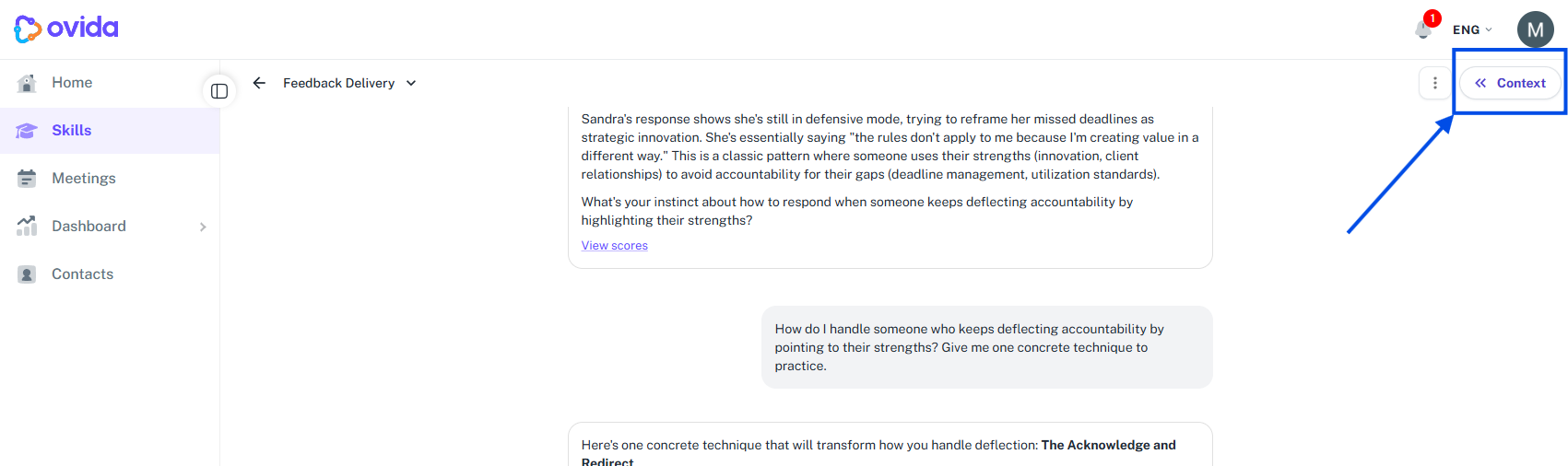
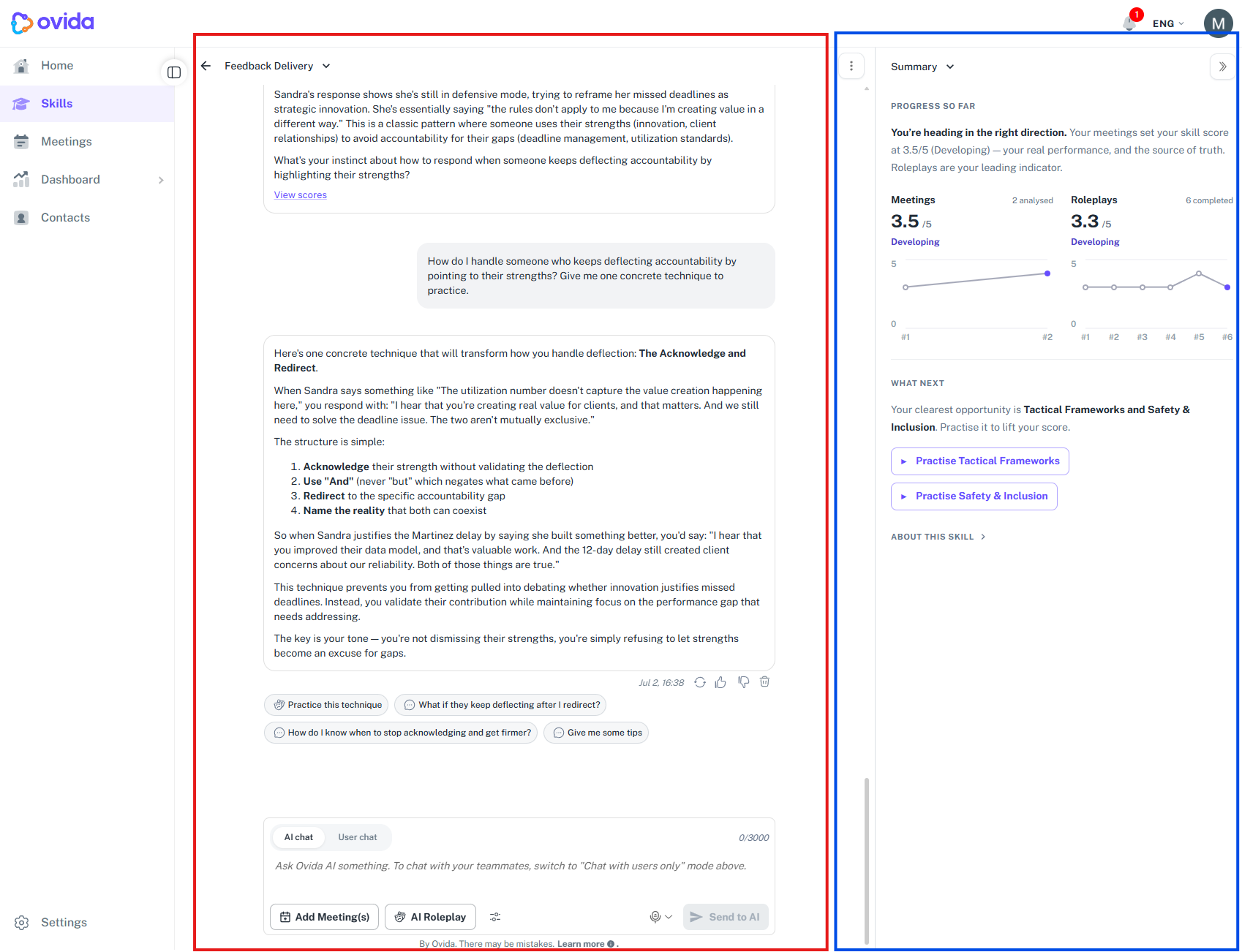
After a roleplay or meeting is analysed, your score appears in the AI chat: click View scores and the full breakdown opens in the panel on the right.
Here's a quick video guide for this article.
From the AI chat (fastest)
Navigate to the Meetings page and open your meeting session.
In the session's discussion area, switch to the AI chat tab (not User chat).
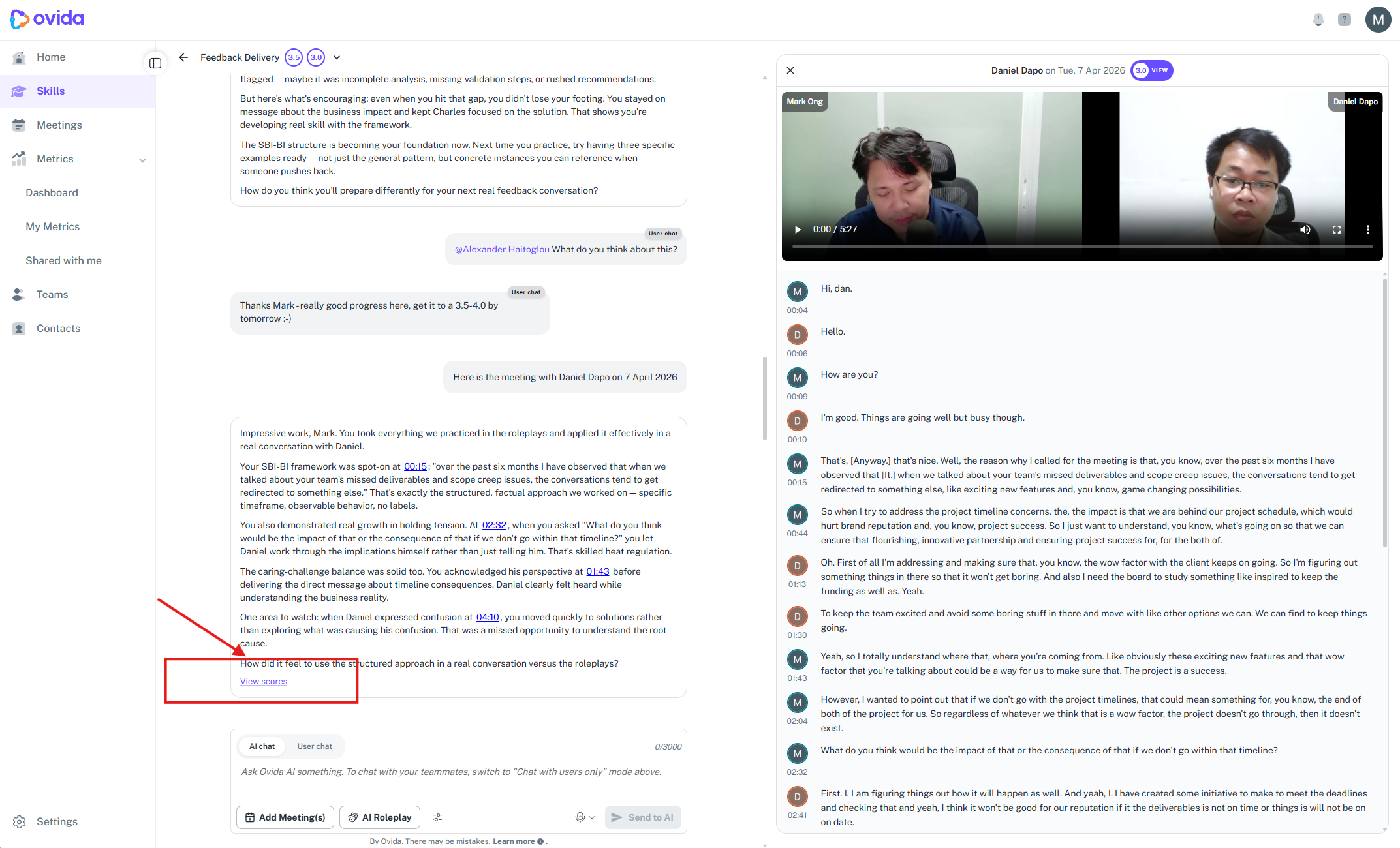
After your session is processed, the AI coach will send you a summary message in the chat.
At the bottom of that message, click View scores.
The score details open in the panel on the right, showing your full breakdown and summary.