How do I log in to Ovida for the first time?
Last updated: September 1, 2026
Activate your account, verify your email, and complete your profile so Ovida is ready for you.
Here's your video guide in this article.
Before you start
You'll need the Ovida invitation email your organisation sent you. The subject line is "Verify your Ovida account." Check spam if you can't find it.
💡 Don't have an invitation yet? Ovida is only available through Business and Enterprise plans. Contact the Ovida Team to bring it to your organisation.
Activating your account
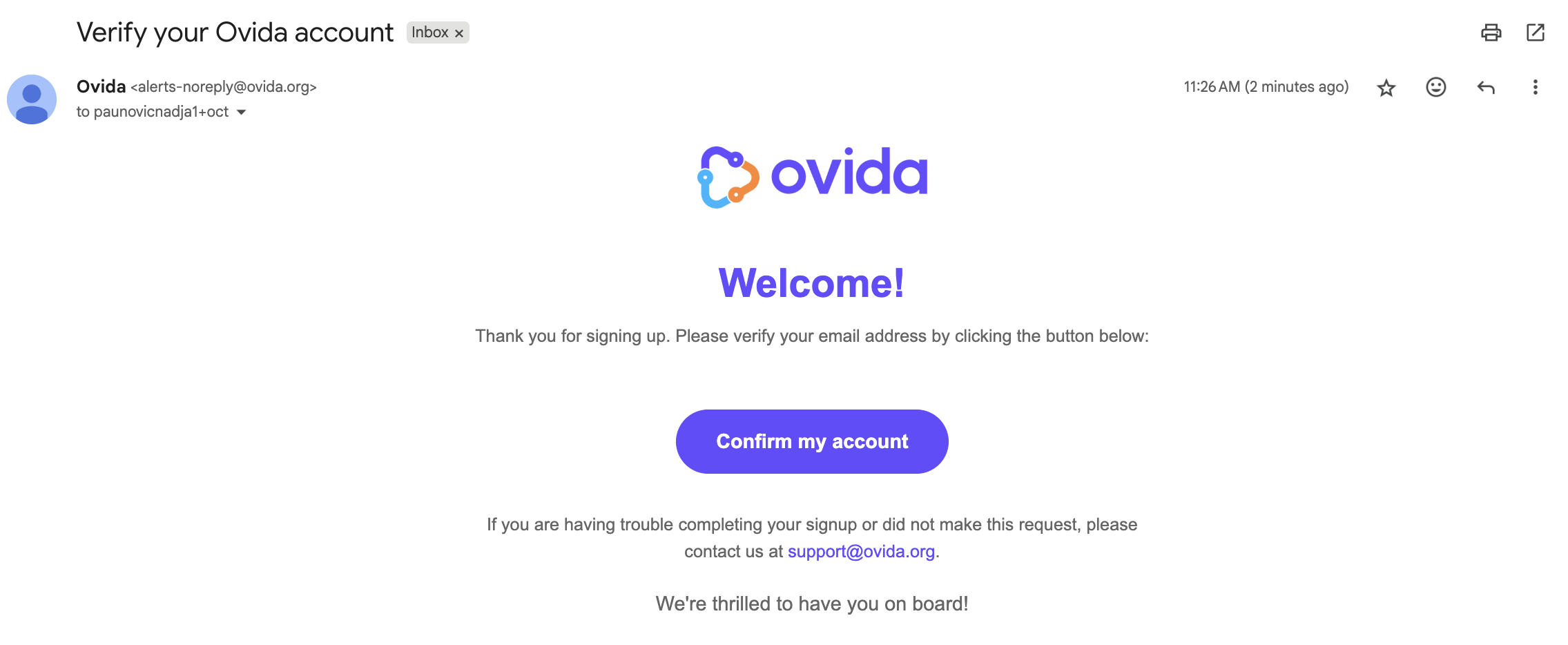
Open the invitation email and click Confirm my account.
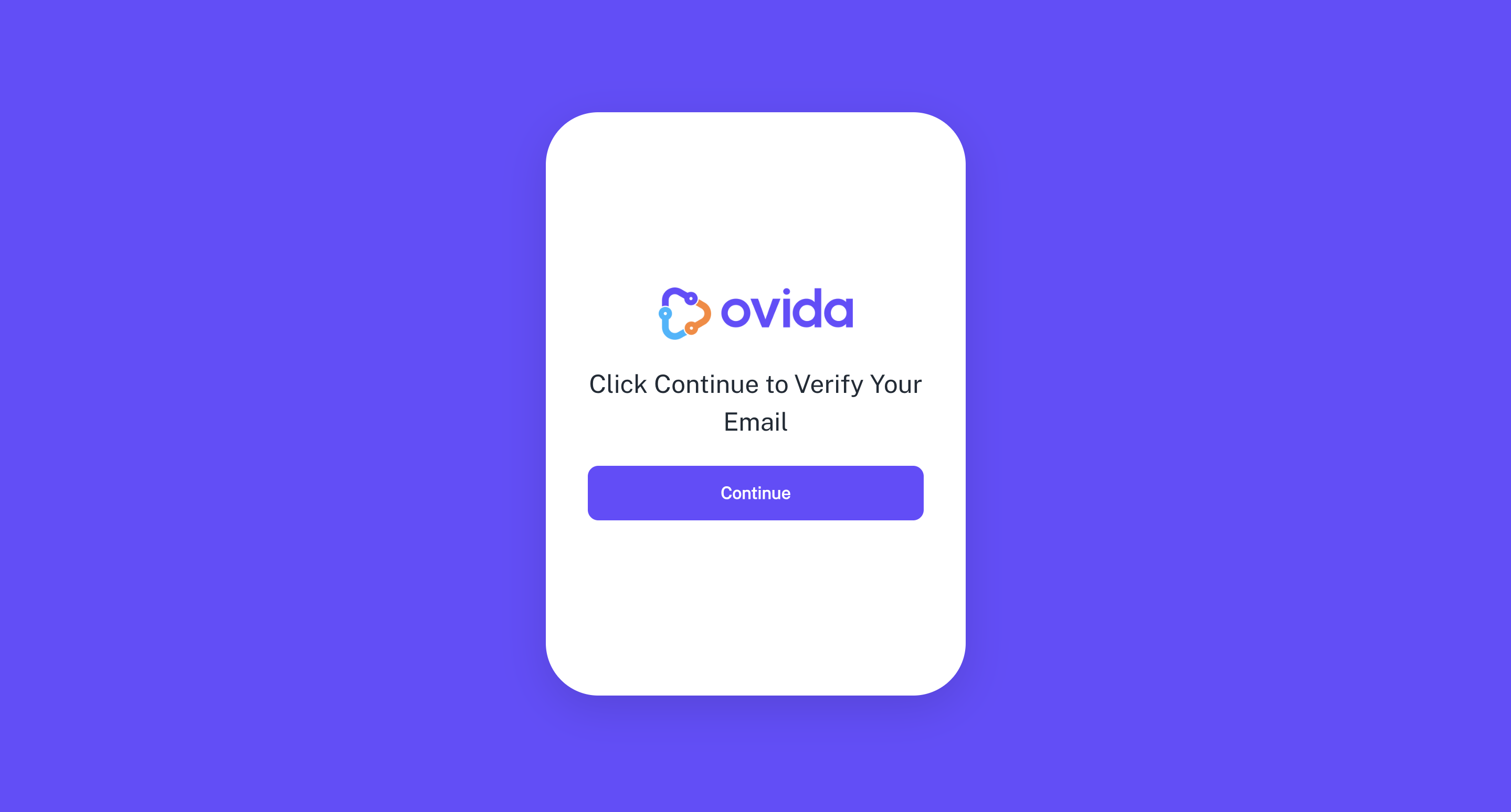
On the page that opens, click Continue to verify your email.
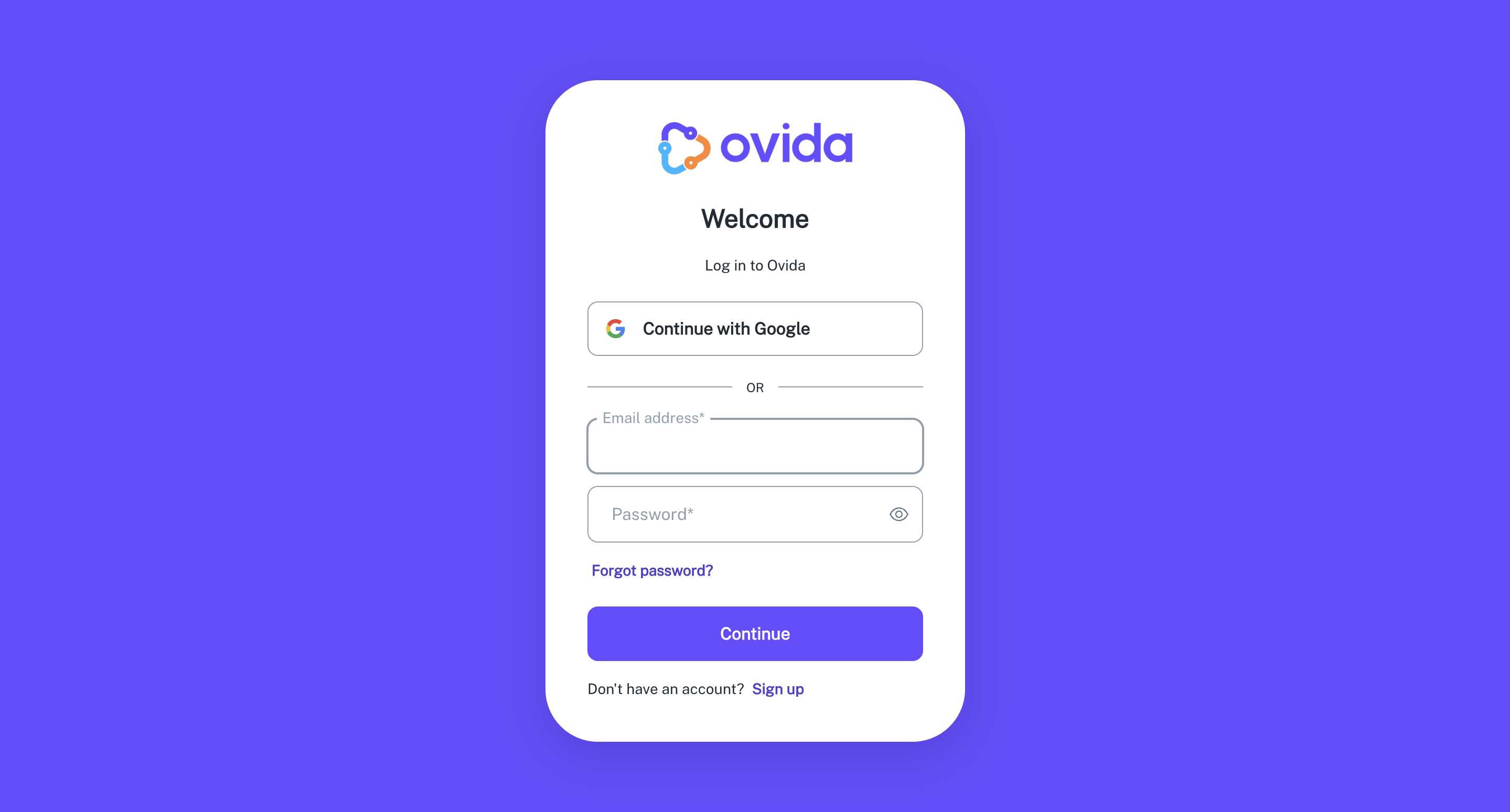
Set your password, then log in with your email and the password you just created.
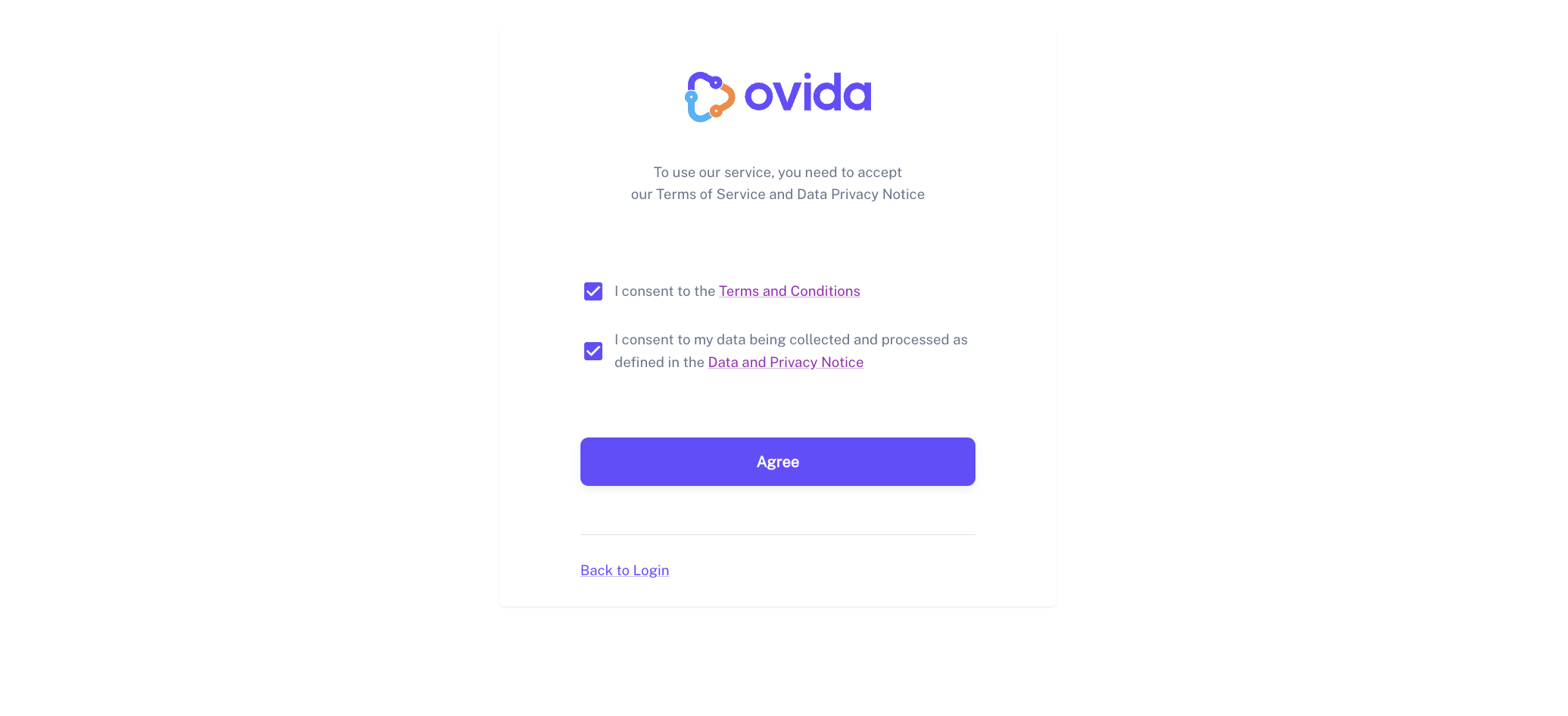
Read and accept the Terms and Conditions and Data and Privacy Notice, then click Agree.
Tell Ovida about your role in the Tailor your coaching pop-up. This is what lets Ovida personalise your feedback and roleplays. You can skip and fill it in later from your profile.
That's it. You're in.