How do I reset my password?
Last updated: September 1, 2026
If you've forgotten your password, reset it from the login page.
Here's a video guide for this article
Note: You must reset your own password using the steps below. Admins cannot reset passwords on behalf of other users.
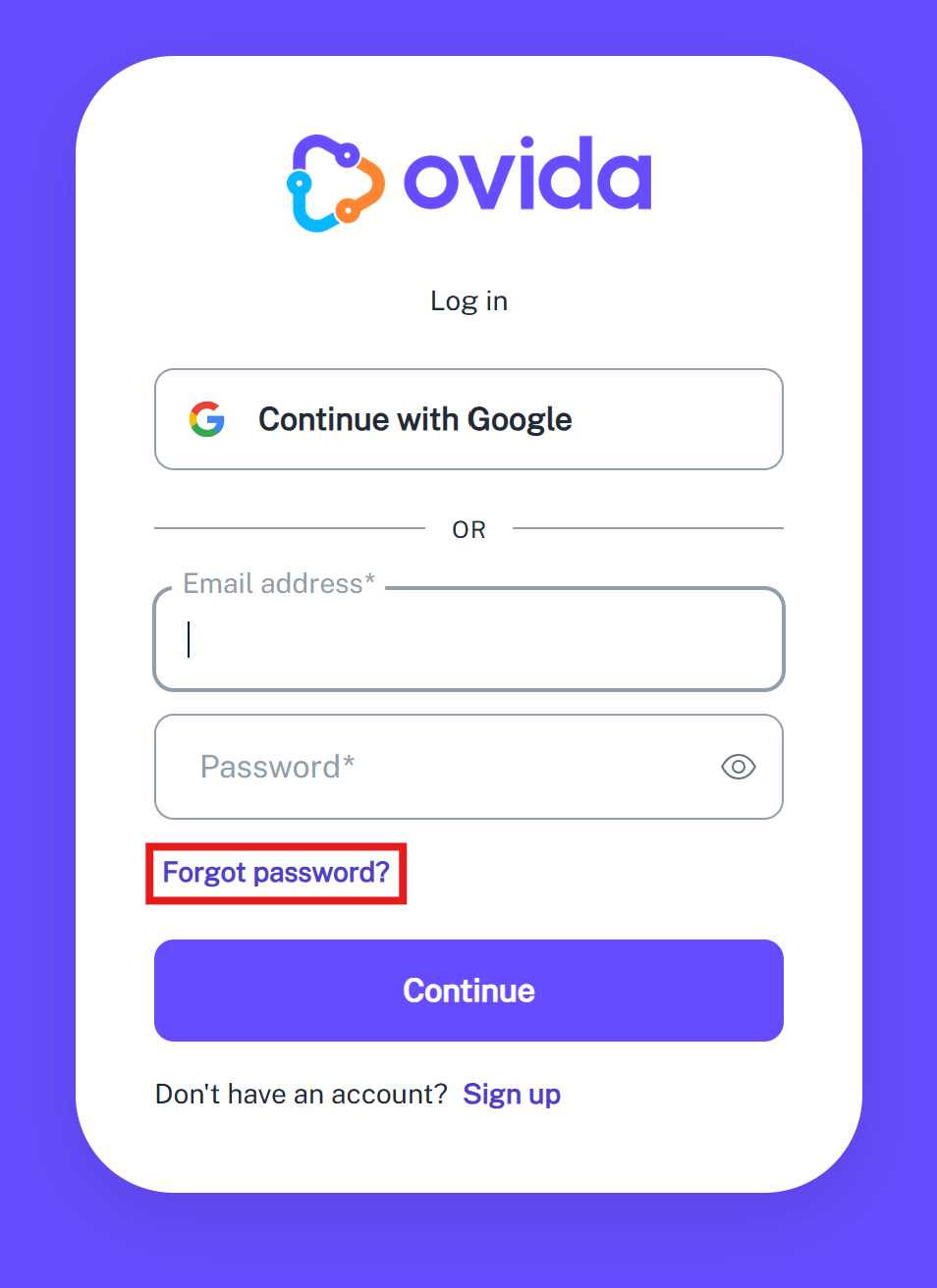
From the Ovida login page, click Forgot Password?
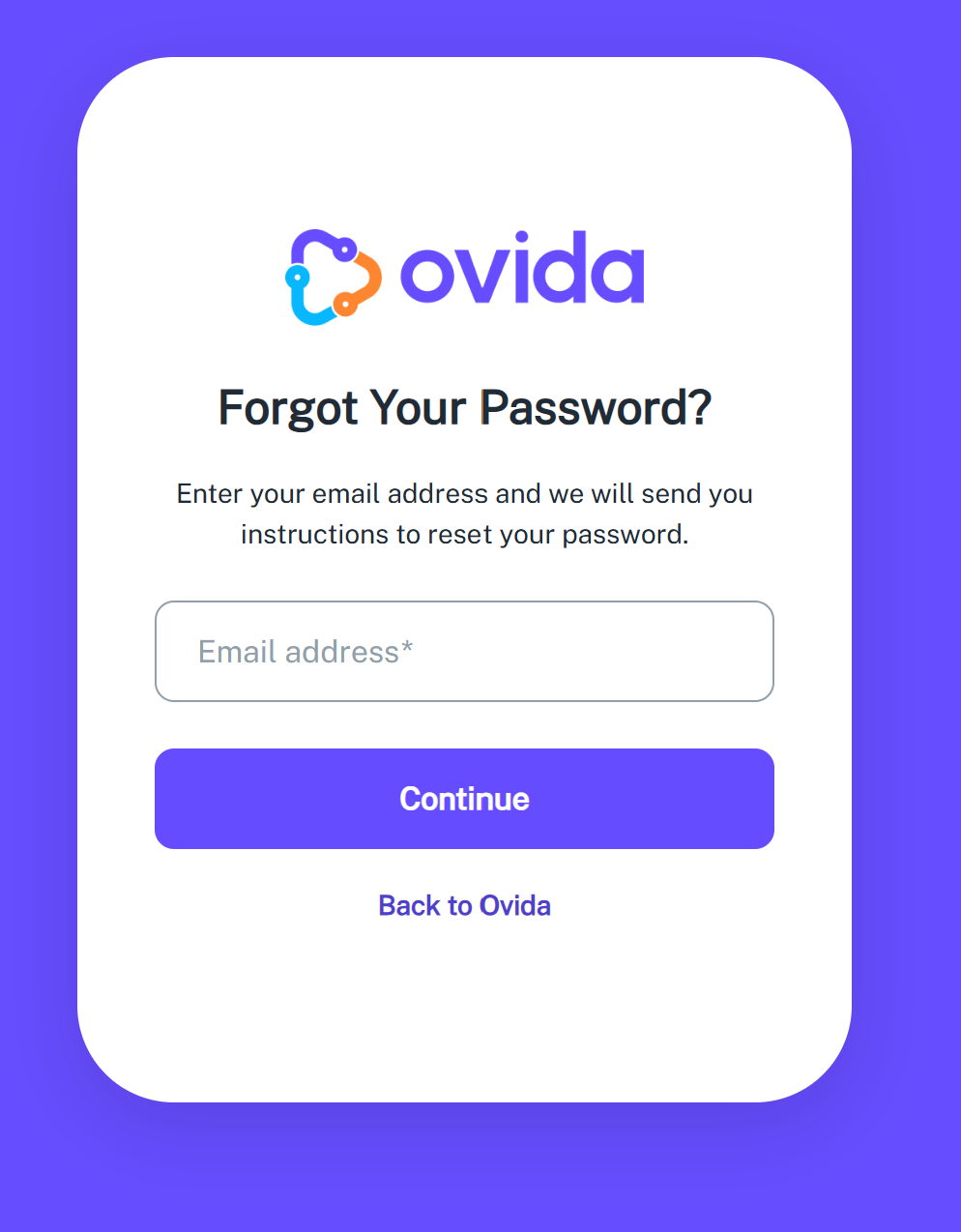
Enter your email address. You'll receive instructions for resetting your password.
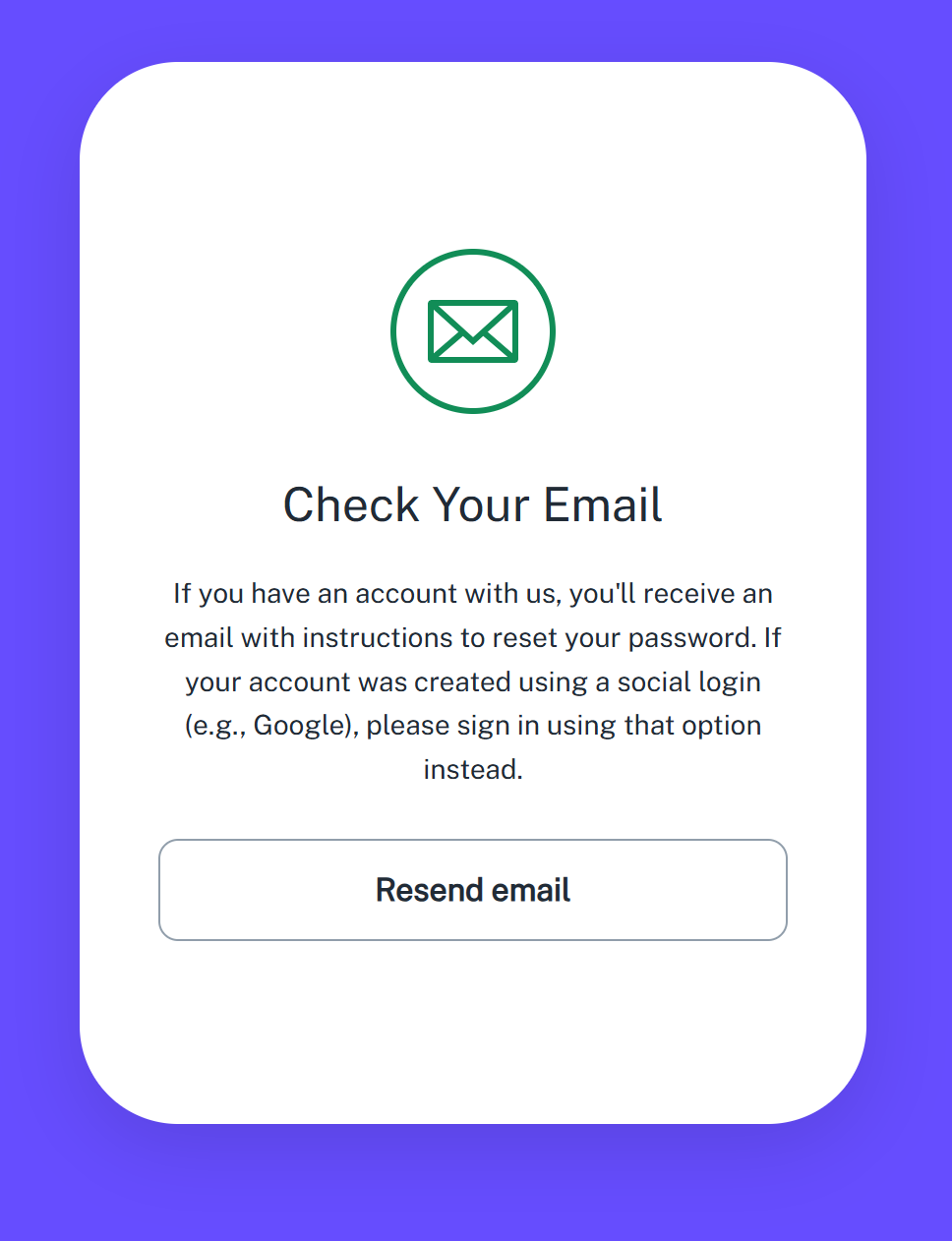
After clicking Continue, you'll see a confirmation page. If the email doesn't arrive, you can resend it from this page.
Already logged in and just want to change your password? See "How do I change my password?" instead.