How do I add a new contact?
Last updated: May 25, 2026
Add contacts on the Contacts page by entering their email. Existing Ovida users are added directly; new users receive an invite to sign up.
The Contacts page lists everyone you've added or met with on Ovida. It's a private list, only you can see your contacts.
Adding a new contact
Go to the Contacts page.
Click Add a contact.
Enter their email address.
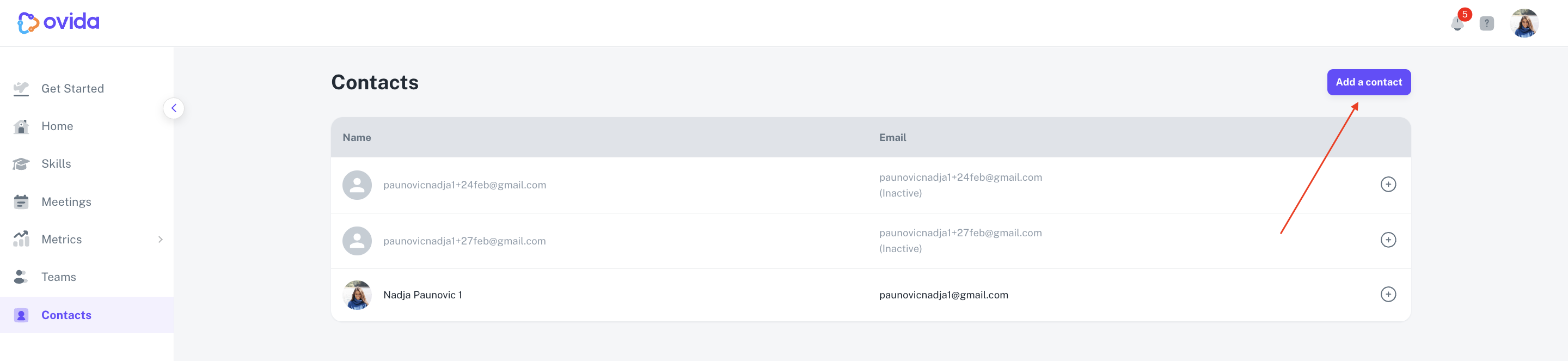
If they're already an Ovida user, they're added to your contacts directly. If they're not, they'll receive an email invitation to sign up on Ovida.
ℹ Adding someone as a contact doesn't make them a guest or observer in any meeting. Those roles are assigned per-meeting.
If your contact doesn't receive the invitation email, it may be blocked by their email filter. See "Why am I not receiving emails from Ovida?" for steps they can take.
Inactive contacts
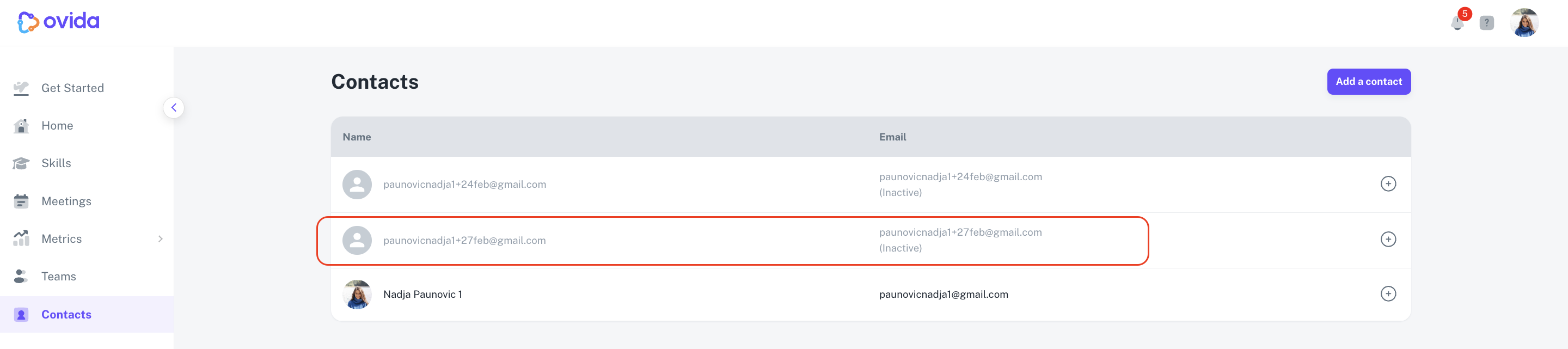
Contacts who haven't signed up yet are shown as inactive on the Contacts page, they appear greyed out with an "inactive" status.
What if I want to meet with someone who isn't a contact?
You don't need to add someone as a contact first. You can schedule a meeting with any email addressl, your guest can join without registering on Ovida. As soon as they join your meeting, they're automatically added to your Contacts list.
Who can see my contacts?
Only you. No one else, including team members and Team Owners can see your contact list.