How do I review a meeting?
Last updated: May 25, 2026
Open a meeting in Ovida's review viewer, or download the audio or video to review offline.
There are two ways to play back a meeting.
Review on Ovida
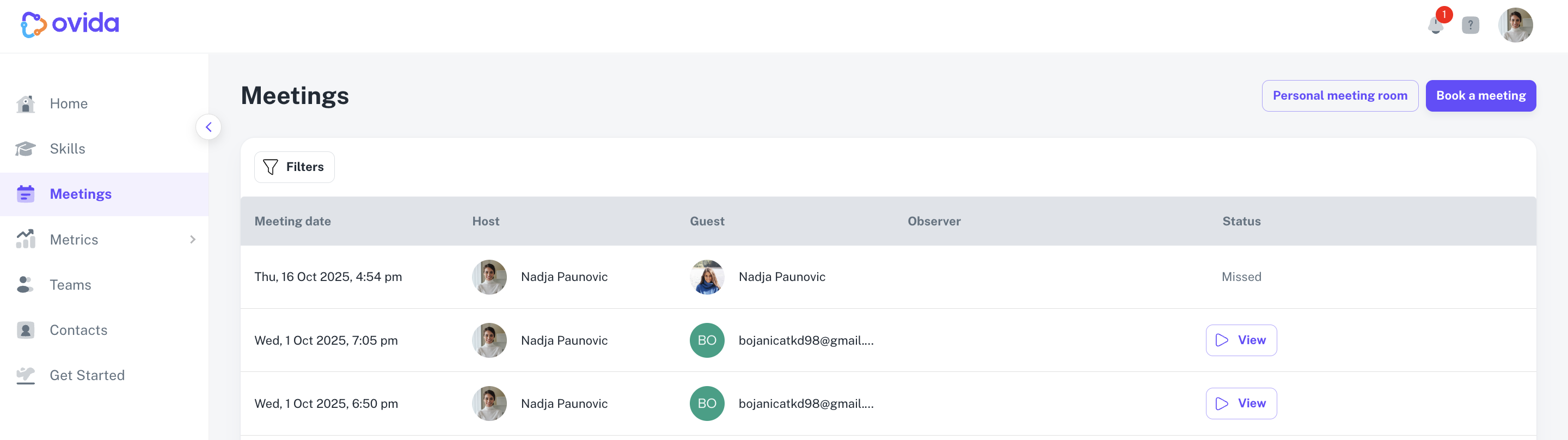
From the Meetings page, click View next to the meeting you want to review. This opens Ovida's meeting viewer with the recording, transcript, moments, and AI analysis.
Download and review offline
If you'd rather watch or listen offline, you can download the original audio or video.
From the Meetings page, hover over the meeting row.
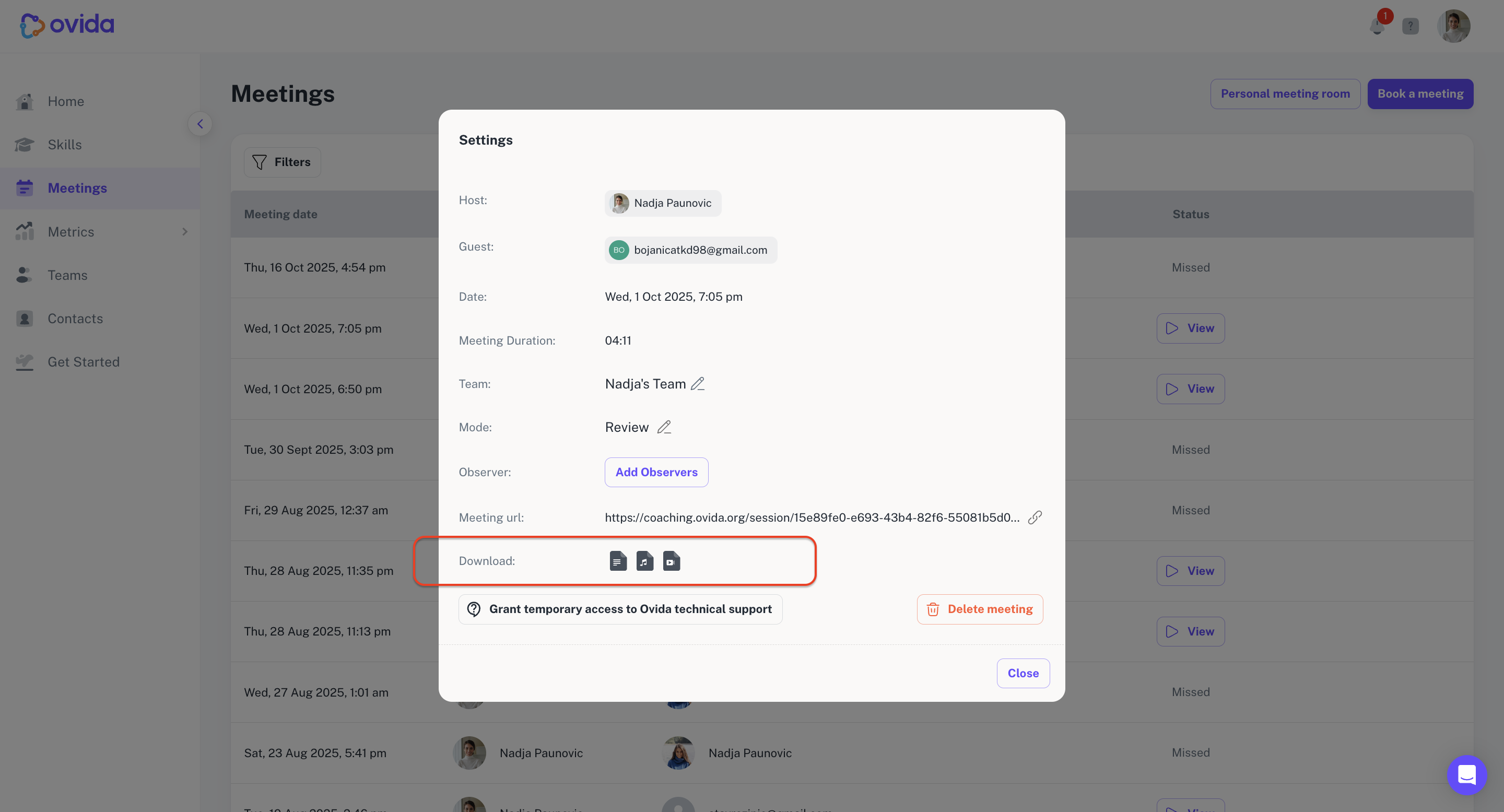
Click the Settings menu on the right.
Select More details.
Click the video or audio button in the Download section.
For details on who can download meeting files, see "Who can download transcripts, audio, and video files?"