How do I discard a meeting recording as a guest?
Last updated: May 25, 2026
When a meeting ends, you have a one-minute grace period to discard the recording so it's never processed or stored.
As a guest, you have shared control over what happens to a meeting recording. If you decide the conversation shouldn't be processed, you can discard it the moment the meeting ends.
How it works
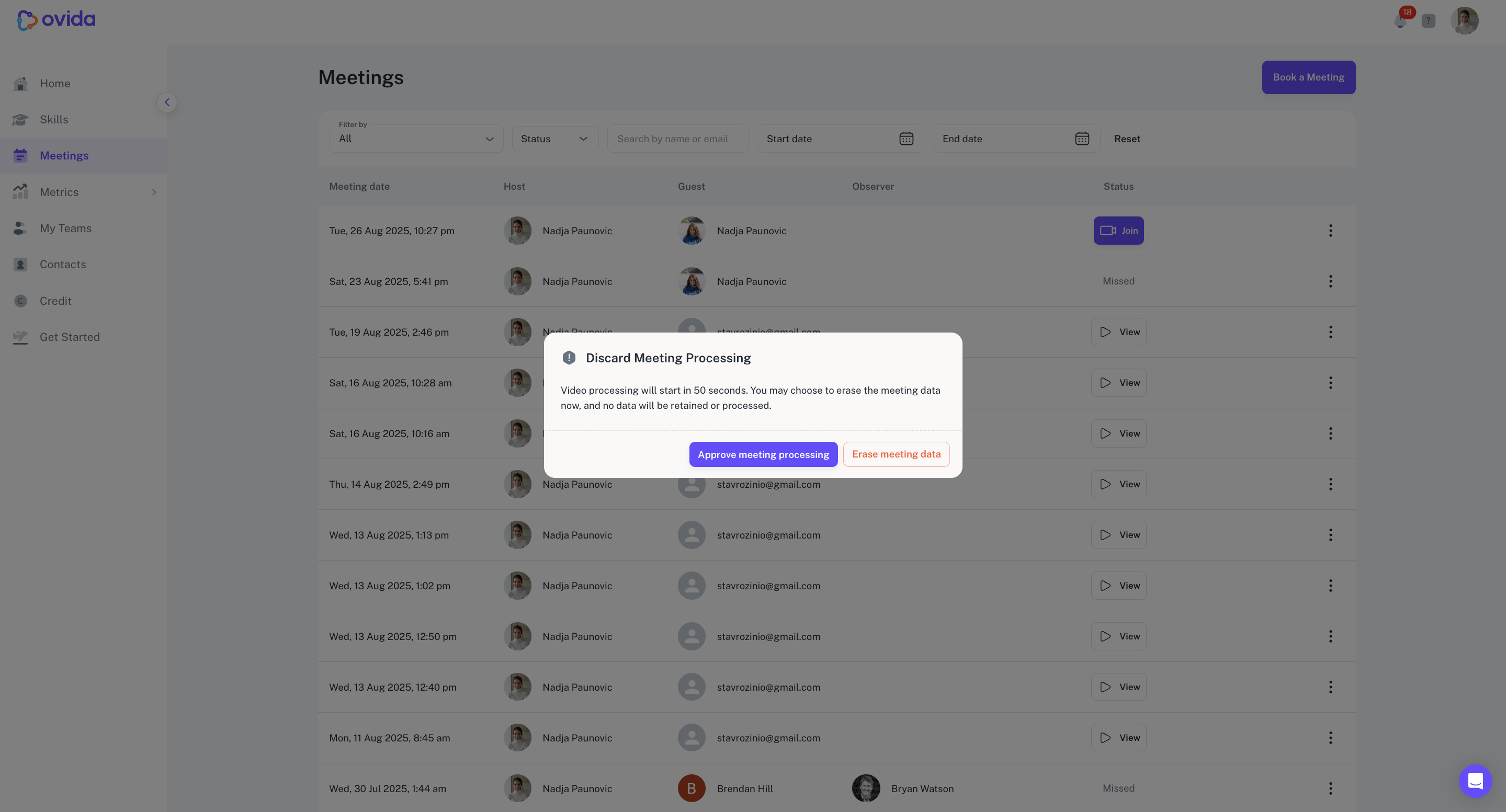
When the host clicks to end the meeting, a two-step confirmation process begins.
Both the host and the guest have a one-minute grace period to decide whether to discard.
If either of you chooses to discard, the recording is deleted immediately and never goes through processing.
If neither of you discards, the recording proceeds to processing as usual.
Why this matters
This feature gives both hosts and guests a final say before a meeting is processed:
Consent first. A meeting is only processed if neither participant discards it.
Privacy. Discarded recordings are permanently deleted and not seen by any third-party services.
Audit trail. Ovida records whether the host or the guest approved or discarded the recording.