Your "My activity" individual dashboard
Last updated: June 15, 2026
Ovida now includes a personal My activity dashboard, giving you a view of your own activity alongside the team and organization views.
How to open it
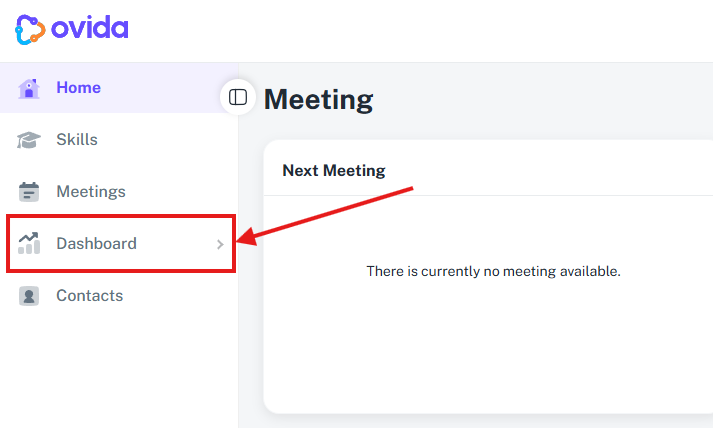
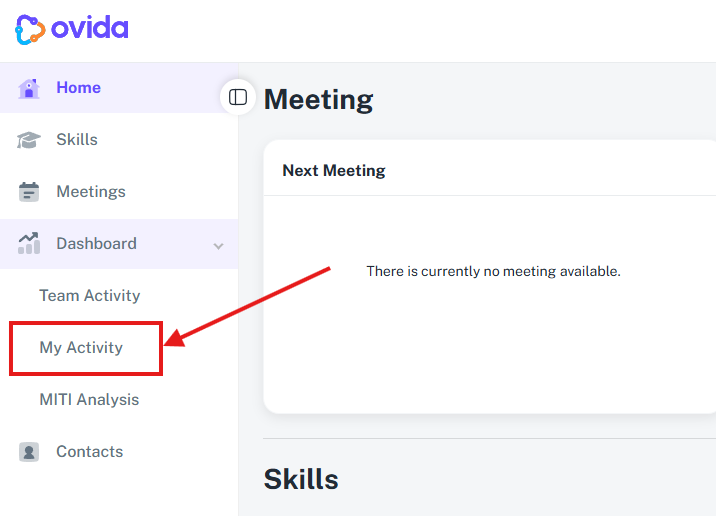
In the left navigation, open the Dashboards menu.
Select My activity.
Your individual dashboard loads, showing data relevant to you.
FAQ
Who can see my individual dashboard? It's scoped to you — it shows your own activity.
Where is it? It sits alongside Team activity and Scores under the Dashboards menu.