How do I share my Metrics Dashboard with an observer?
Last updated: May 25, 2026
Share your personal Metrics Dashboard with one or more team members so they can see your communication trends over time.
Only you can add someone as a dashboard observer — no one can add themselves or be added on your behalf. You stay in full control of who sees your dashboard.
Only your team members can be added as dashboard observers.
What sharing your dashboard does (and doesn't) do
Sharing your dashboard shares your metrics over time, not your individual meetings.
Sharing your dashboard does not share your meetings with the observer.
Sharing a meeting with an observer does not share your dashboard.
The two are completely independent.
How to add a dashboard observer
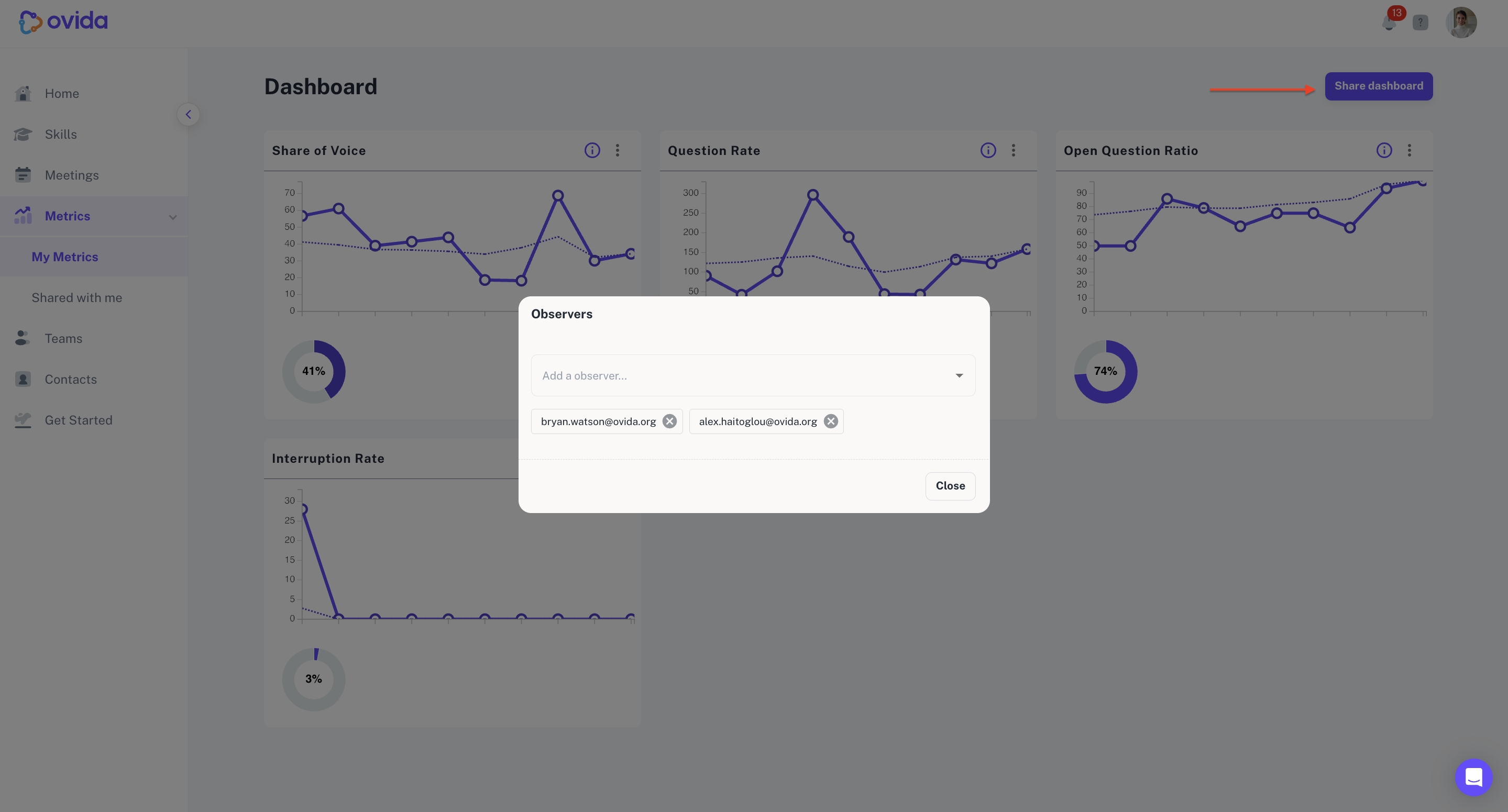
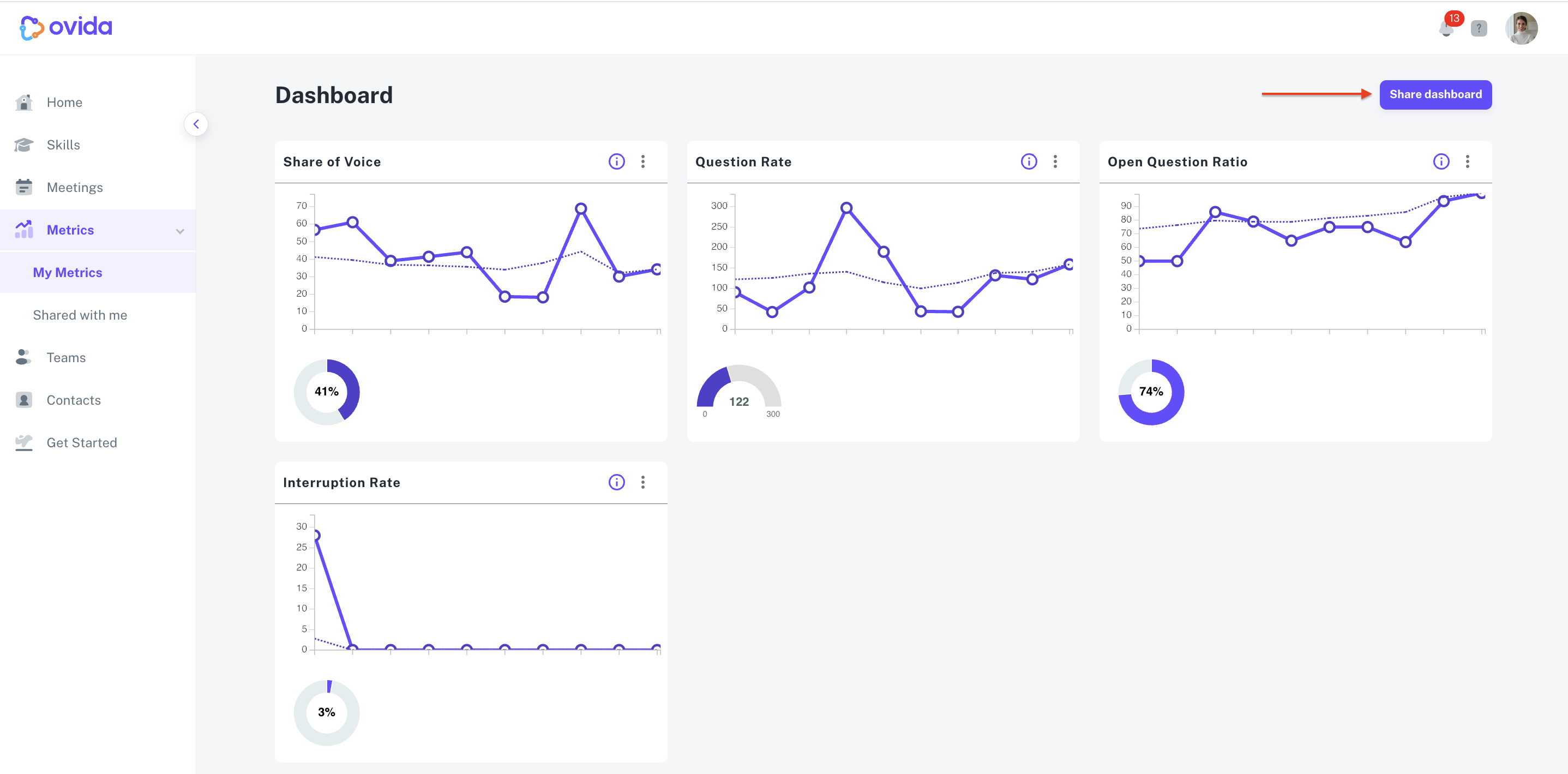
Go to Metrics > My metrics.
Click Share dashboard and follow the prompts.
How to remove a dashboard observer
From the same page (Metrics > My metrics), click the × button next to the observer's name.