Where do I find my account settings?
Last updated: September 30, 2026
All your profile and personal settings now live in one place, opened from the menu on the Ovida logo at the top-left.
Your profile and personal options have moved into a single Settings area.
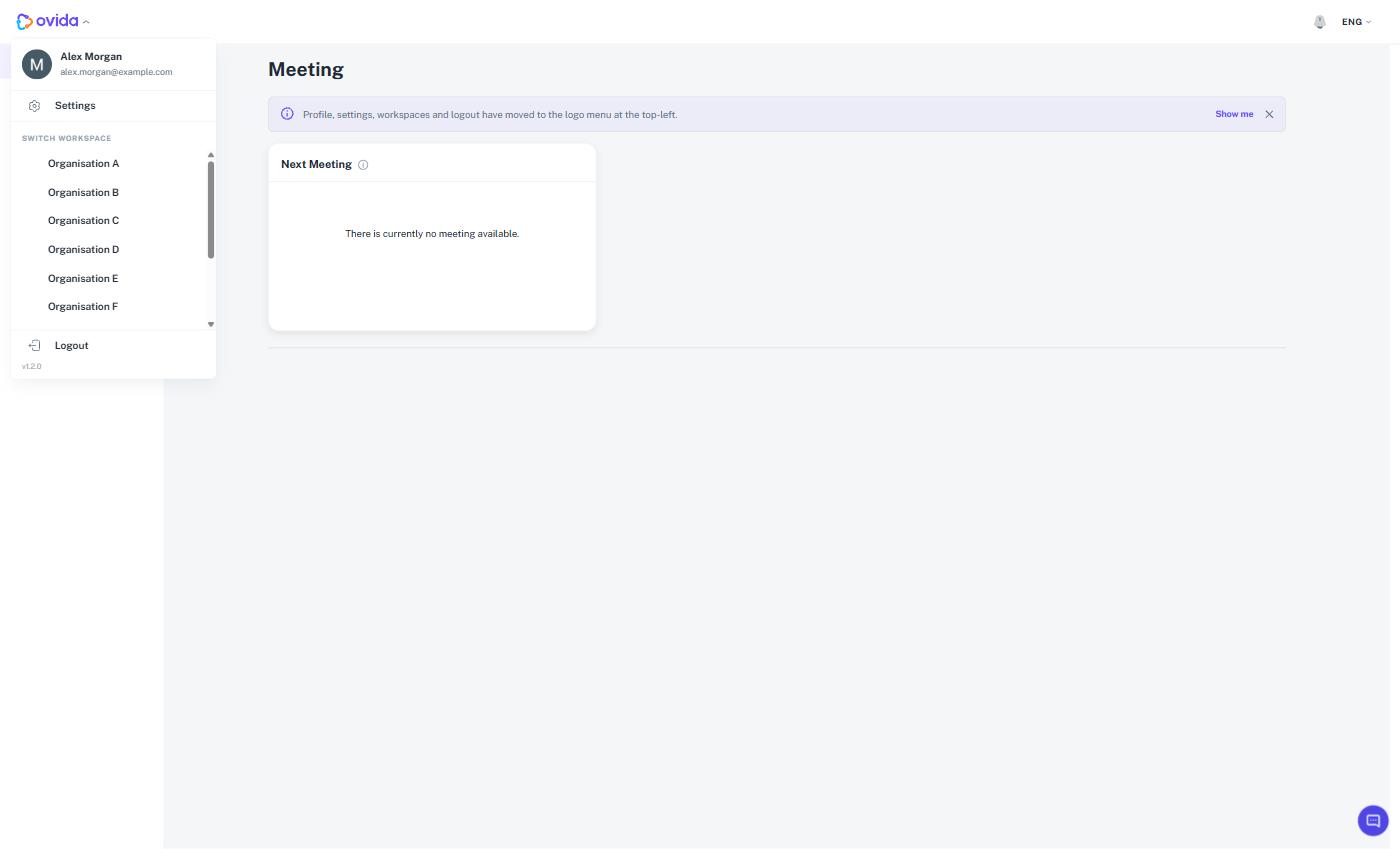
The separate Your profile and Settings menus that used to sit in the top-right corner have been removed.
Opening your settings
Select the Ovida logo at the top-left, then select Settings. The Settings page opens with a My Account menu, and inside it an Account & Security section where your profile and personal options now sit.
Tip The options themselves have not changed, only their location. Anything you did before is still here.
ℹ Choosing Delete all my data raises a support request rather than deleting anything straight away.